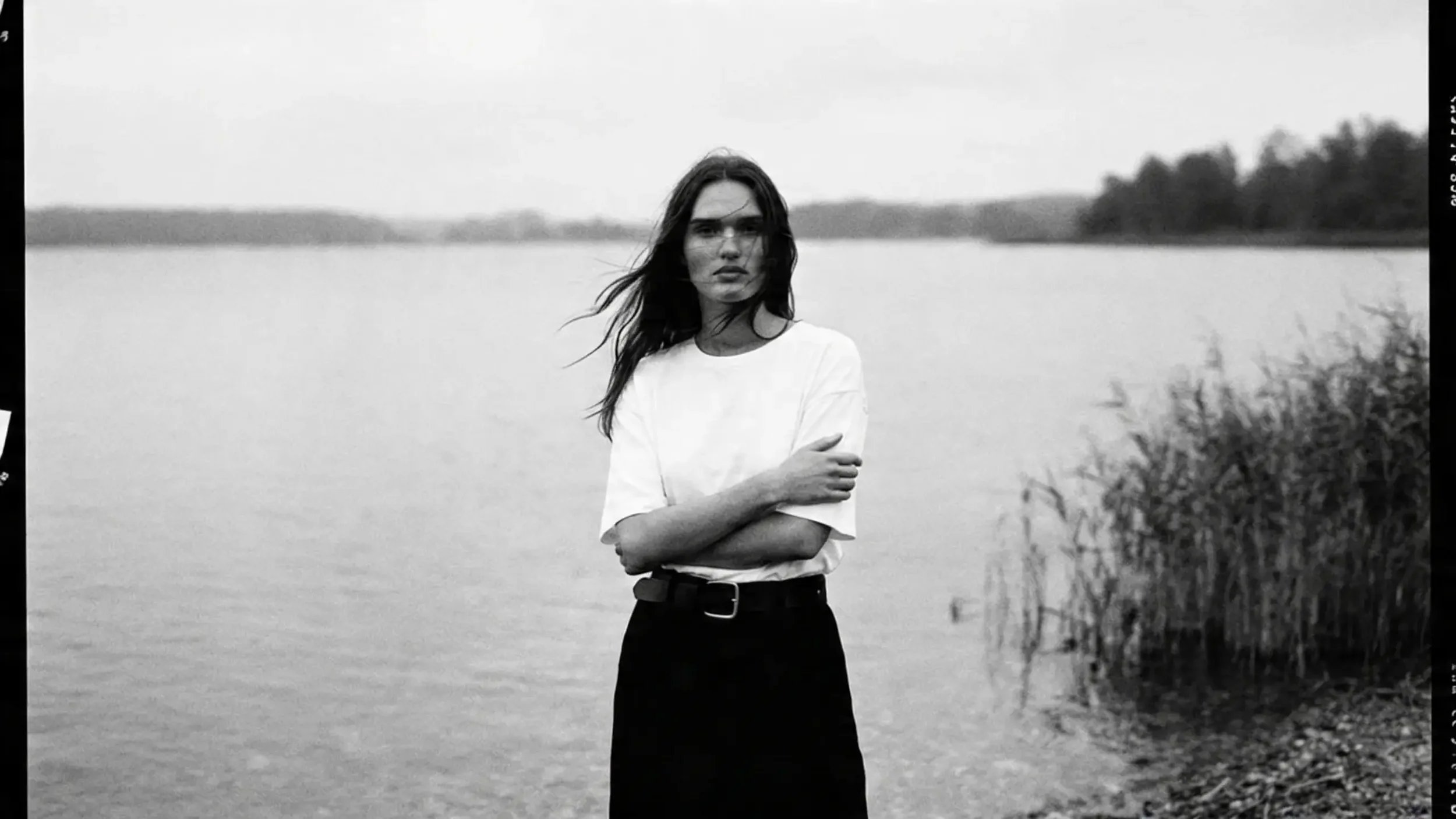
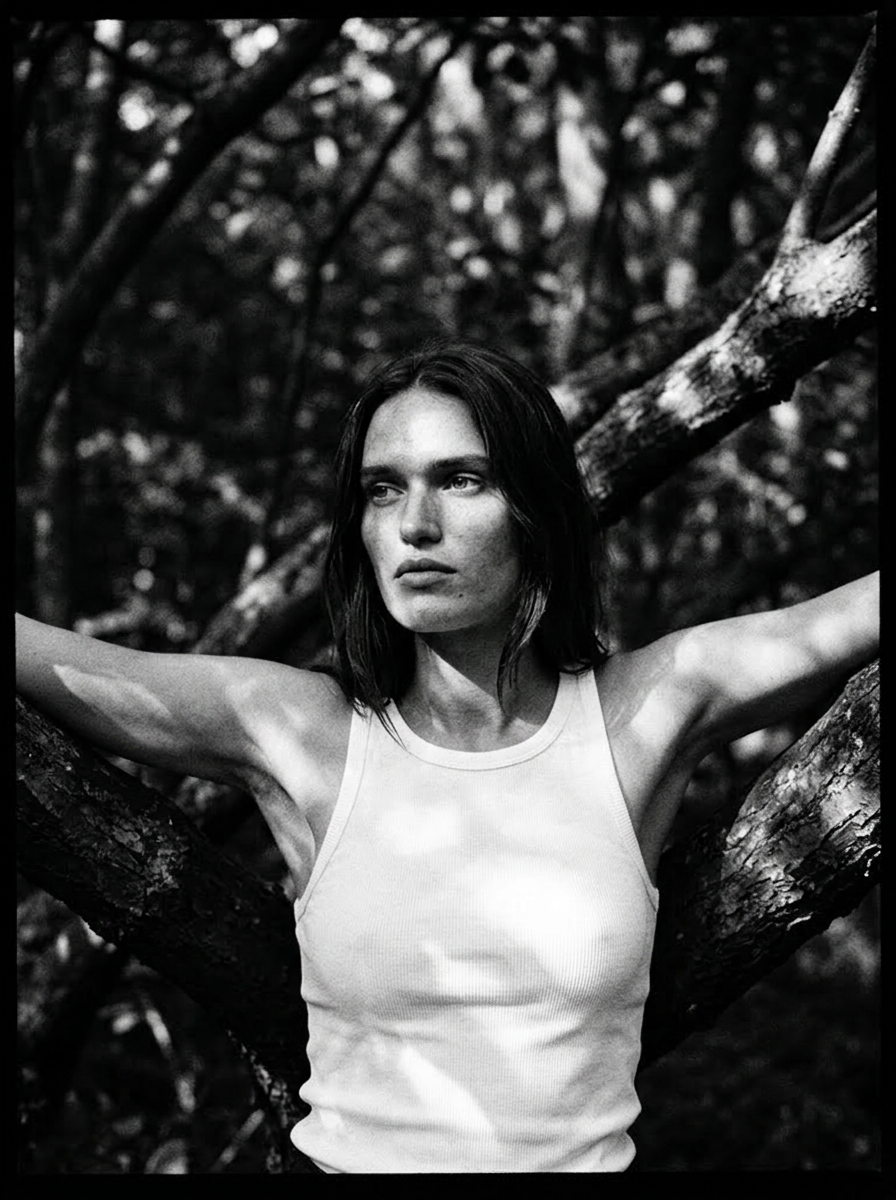
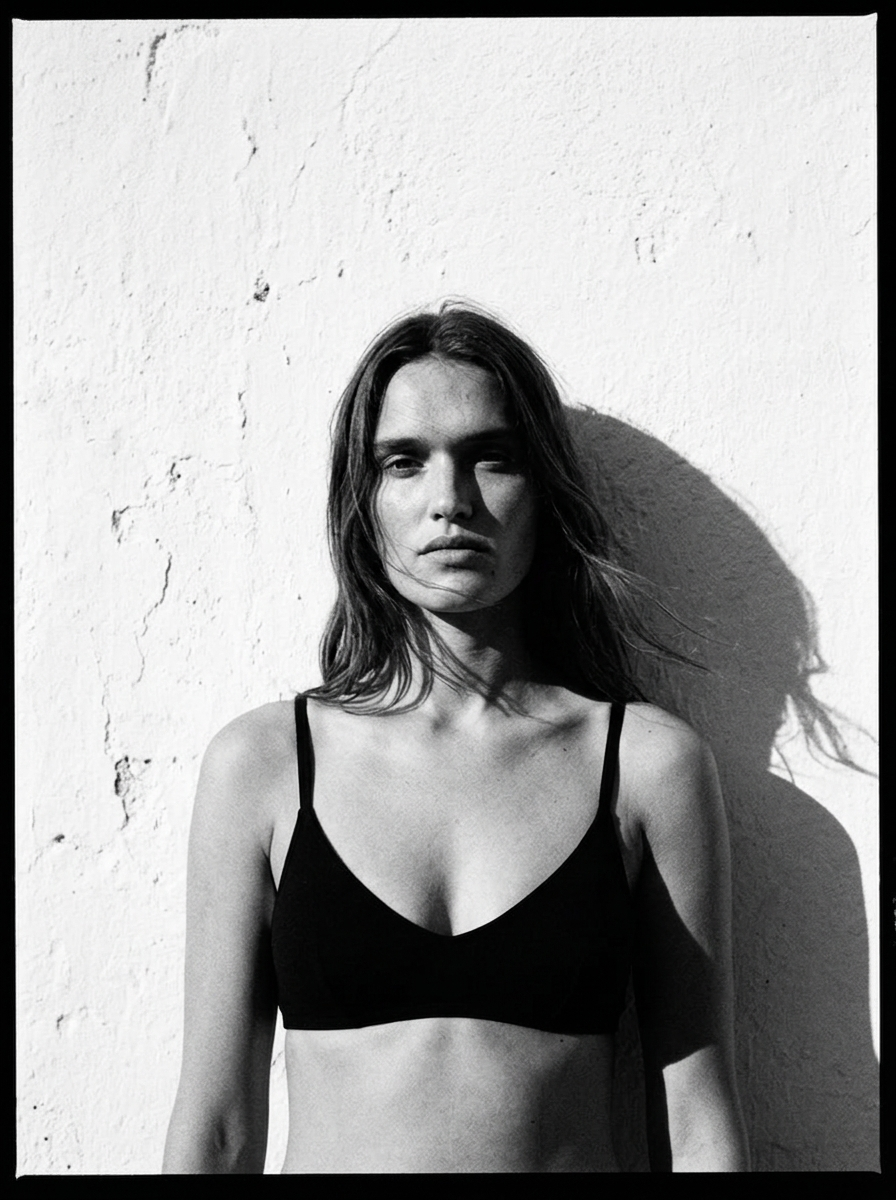
Learn to create high-end AI visuals that don't look like AI.
A practical course for creatives, photographers, and brand owners who want campaign-ready results without a full production team.
The Problem
Most people learning AI are doing it the hard way.
Jumping between tools. Saving random prompts. Watching tutorials that don't connect. Spending hours and still not getting results that look professional.
The problem isn't your creativity. It's that nobody gave you a clear process.
The Solution
The HAUS of AI is the workflow I use for real client campaigns, packaged into a structured course you can follow from day one.
It's not about collecting more tools or saving more prompts. It's about understanding the process behind visuals that actually look high-end and being able to repeat it.
You'll learn to think like a creative director. To make intentional decisions about light, composition, mood, and story and then communicate that to AI with precision.
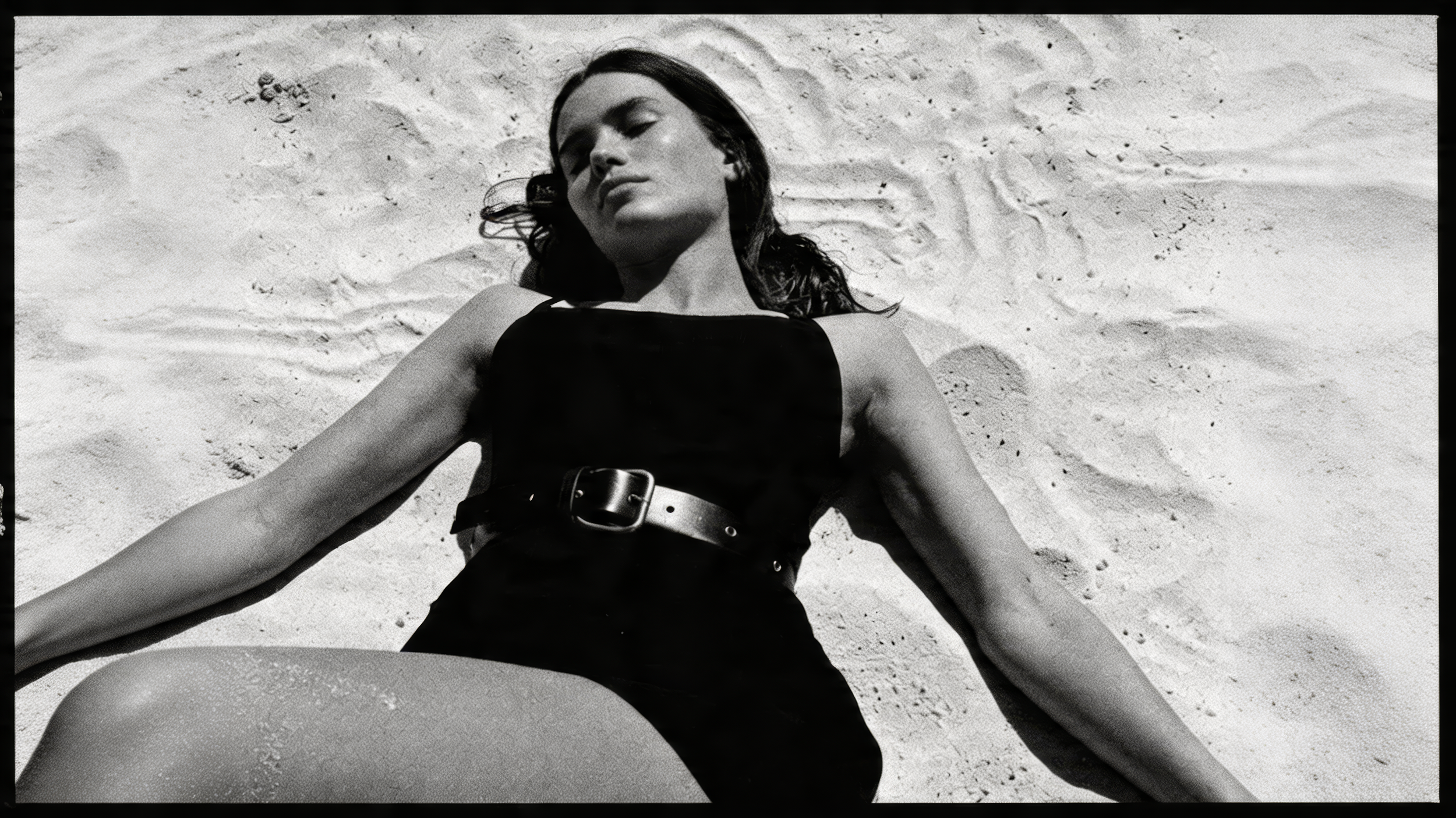
The result is visuals that don't look generated. They look directed.
Whether you're a photographer wanting to expand your work, a brand owner who needs campaign-ready content, or a creative ready to go professional — this framework gives you the structure to get there without the guesswork.
What you’ll be able to do
After completing the HAUS of AI course, you’ll be able to:
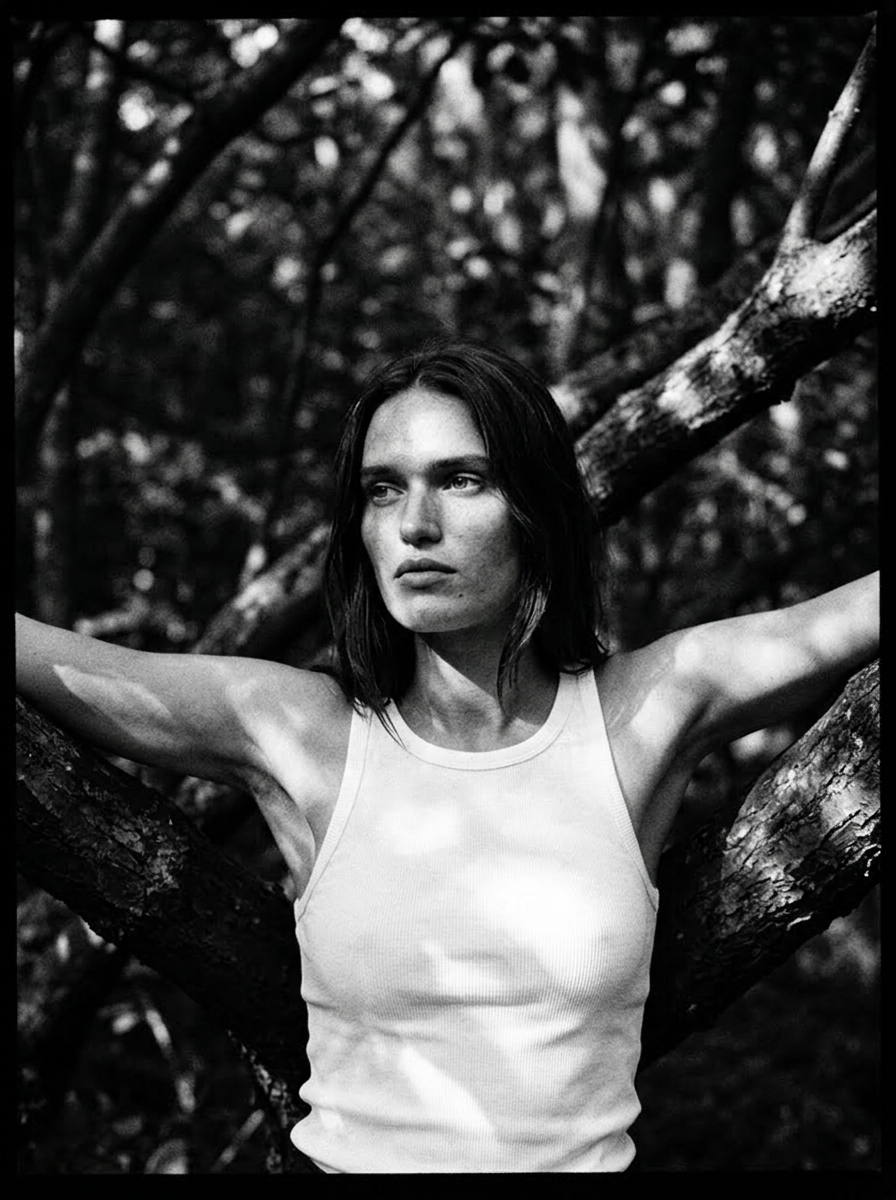
Create realistic AI visuals that look like they came from a high-end shoot
Direct AI like a creative director, with intention, not luck
Build a visual concept from scratch and develop it into a full campaign
Build consistent visuals for brands, campaigns, or your own portfolio
Add motion and animation to take your visuals further
Work faster without sacrificing quality

Meet the Founder
I’m Evita Witzenhausen, AI Creative Director and founder of Studio Witzenhausen | HAUS of AI in Amsterdam.
I help brands and creators craft minimalist, high-end visuals using AI, blending design, direction, and technology into one creative process.
Through the HAUS of AI course, I share the exact workflows I use to create cohesive, campaign-ready images with ease and intention.
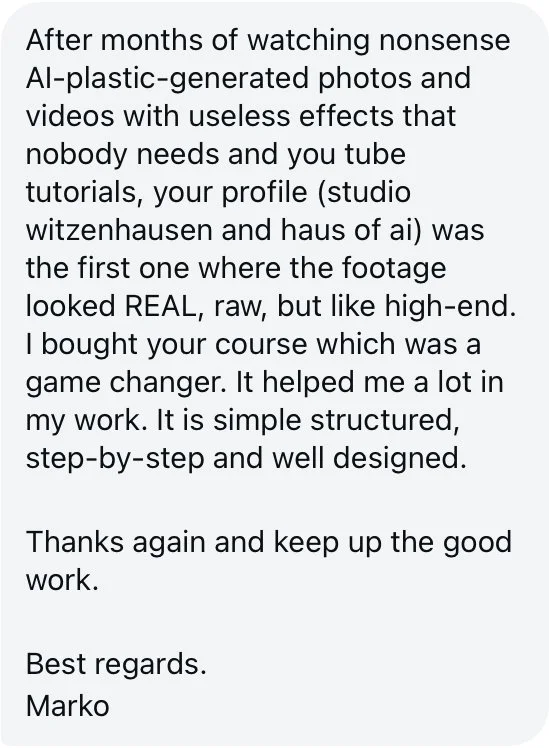
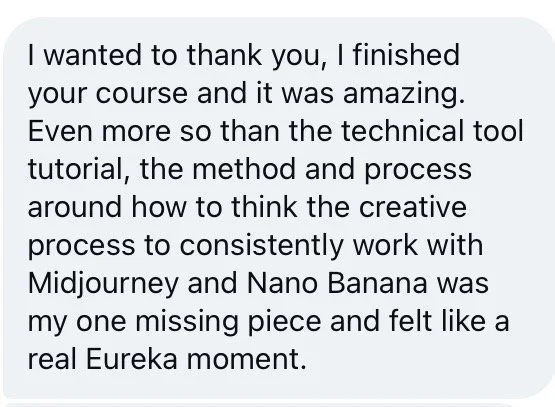
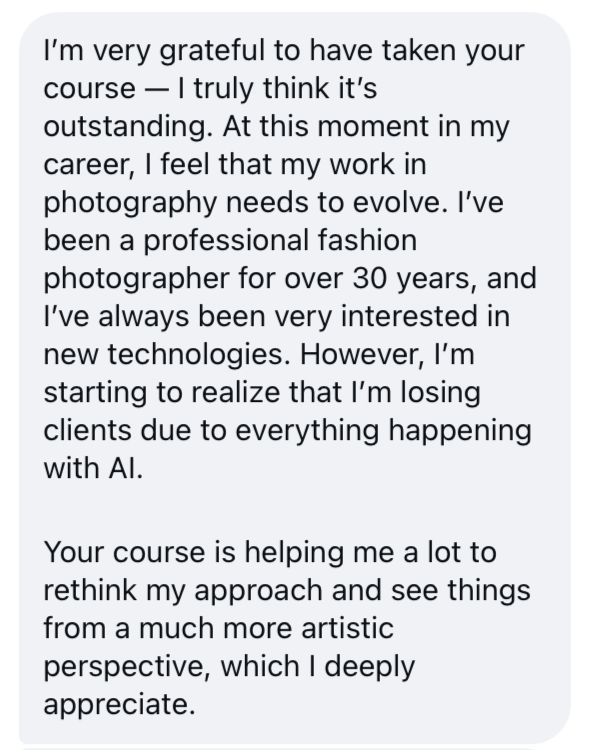
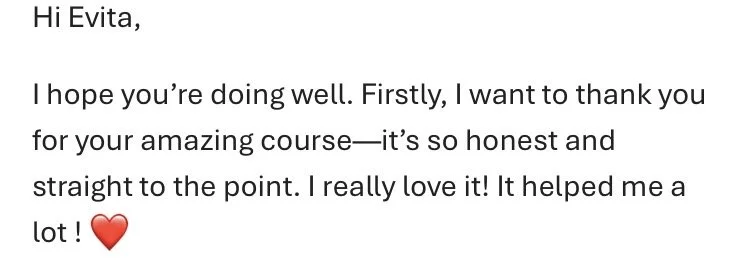
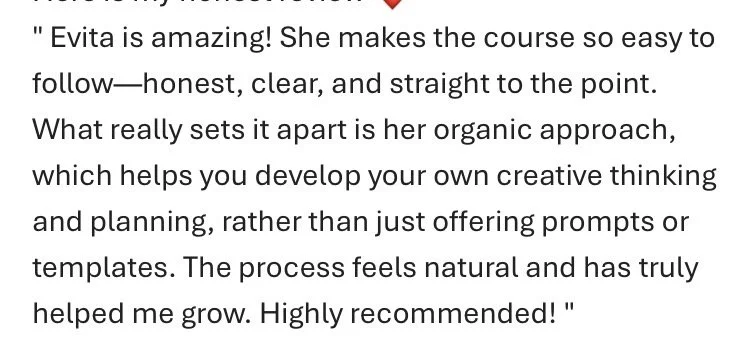
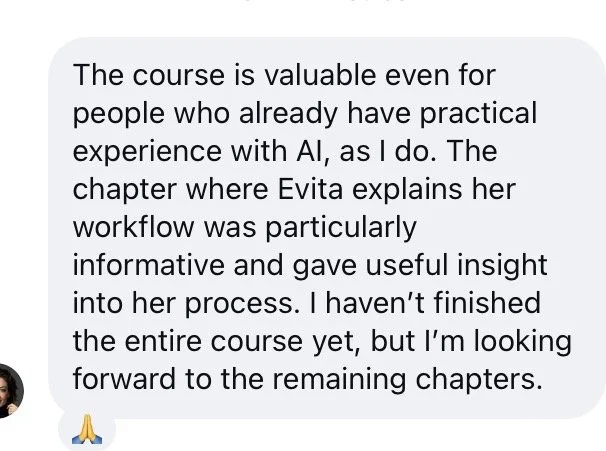
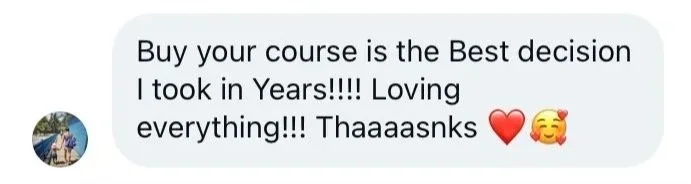
5 stars by 200+ HAUS of AI Students
“Buying your course is the best decision I took in years”.
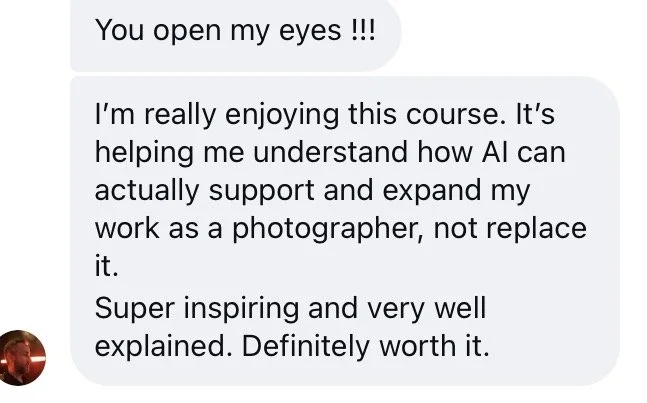
— Carmen Banegas | AI CreativeYou open my eyes. I'm really enjoying this course. It's helping me understand how AI can actually support and expand my work as a photographer, not replace it. Super inspiring and very well explained. Definitely worth it.
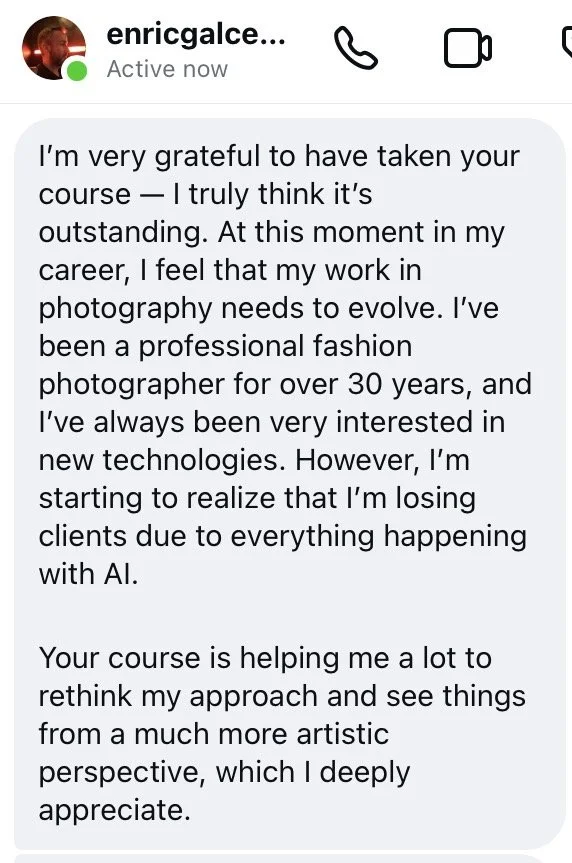
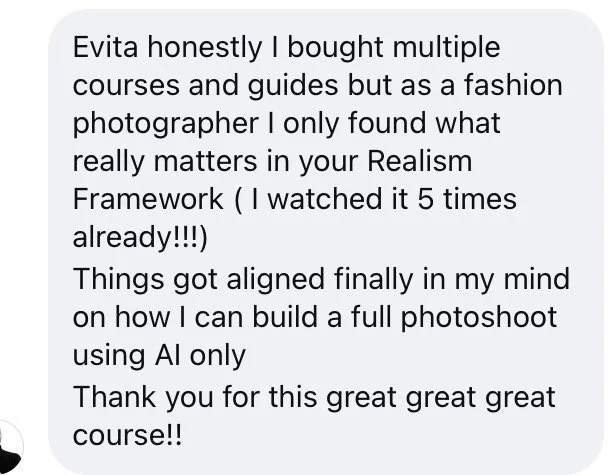
— Eric Galceran | PhotographerI bought multiple courses and guides but as a fashion photographer I only found what really matters in your Realism Framework. I watched it 5 times already. Things got aligned finally in my mind on how I can build a full photoshoot using AI only.
— Majid Angawi | Photographer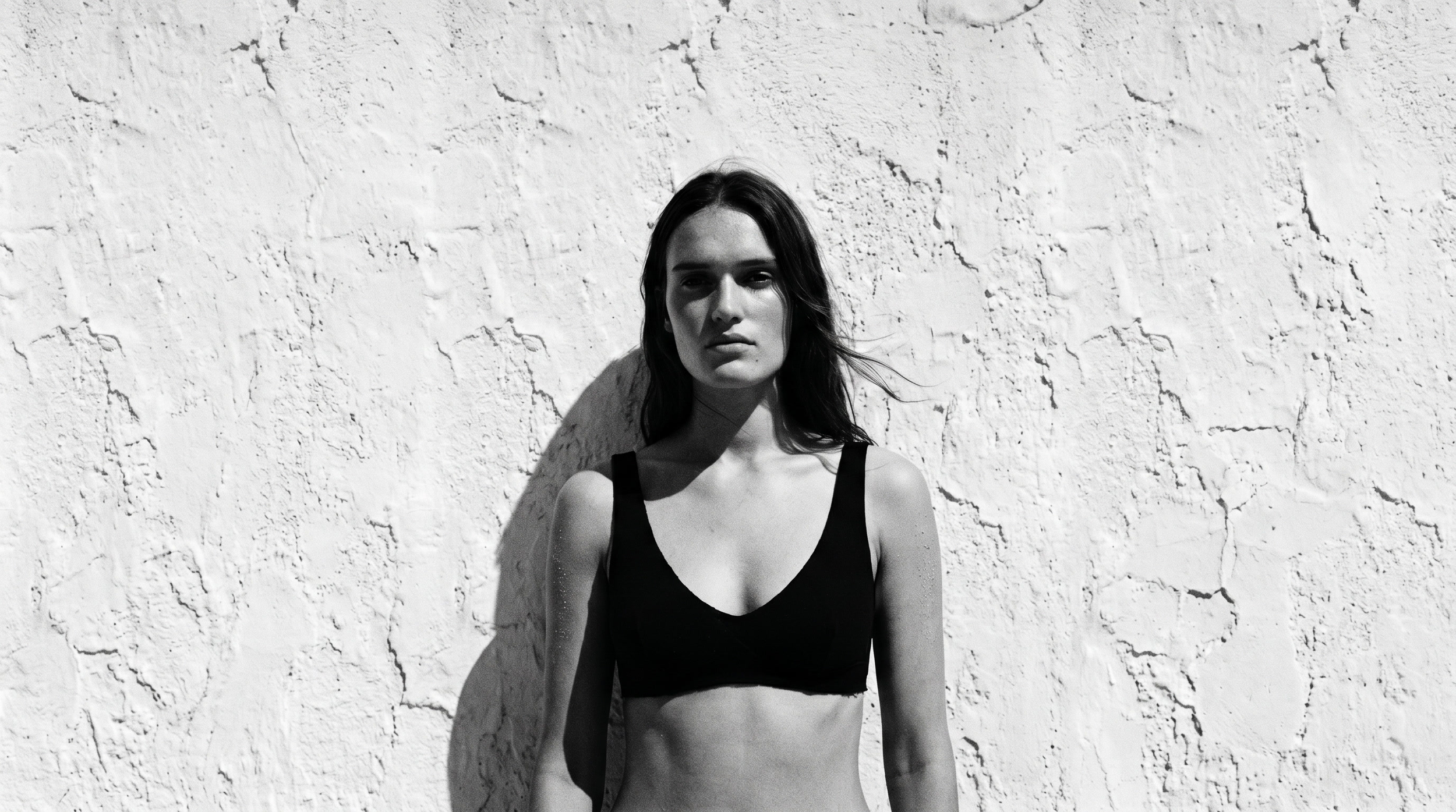
What’s inside
8+ hours of video training across 4 practical modules
Module 1 — The Art of Prompting Write prompts that create realistic, intentional visuals every time.
Module 2 — The Tools in Practice Midjourney and Nano Banana — when and how to use each.
Module 3 — The Creative Workflows My exact client workflow, from studio shot to full campaign.
Module 4 — Visuals in Motion Add premium animation and smooth transitions to your visuals.
Creative direction videos how to build a concept from scratch and turn a single image into a full campaign
80+ page visual guide you'll actually use
200+ keyword library for prompting with precision
Templates, workflows, and real case studies
Frequently Asked QuestionS
Asked Questions Frequentl
Questions frequently asked
Frequently Asked QuestionS
-
You’ll need MidJourney for creative direction and Nano Banana for editing and consistency. I also mention platforms like Freepik and Higgsfield, which are great places to use Nano Banana directly.
However, the prompting strategies and creative direction principles you’ll learn in this guide can be applied to any AI too, including free alternatives if you already have a preferred choice.
ChatGPT is used throughout the process to refine your ideas, write better prompts, and develop your visual direction.
-
Yes, absolutely. You’ll learn how to integrate your own products into AI-generated scenes, whether it’s fashion, interiors, or lifestyle objects.
The guide shows how to match angles, lighting, and textures so your products look realistic and part of the scene. -
AI is powerful, but not flawless.
This guide teaches you how to refine and select the best outputs, so your final images look polished, cohesive, and professional. -
No experience needed.
The guide starts from the basics and walks you through everything, from how MidJourney works to using Nano Banana for refinement. You’ll learn by doing, not guessing. -
Creators, photographers, designers, and brand owners who want consistent, minimal, high-end visuals. It’s ideal for anyone tired of random AI results and ready for a structured, creative process.
-
Yes, it’s a one-time purchase.
You’ll also get access to all future updates of the course at no extra cost, including new examples, templates, and resources. -
Because this is a digital product that’s delivered instantly after purchase, I don’t offer refunds. Once the course is downloaded, you have full access to all the content and resources.
That said, I want you to feel completely confident in your purchase, so if you have any questions before buying, feel free to reach out. I’m happy to help you decide if it’s the right fit for you
Contact us.
info@studiowitzenhausen.com
The Netherlands / Amsterdam